LHTSOFT Photo
Free Online Image Layer Editor
Edit image layers online for free. Combine pictures, text and masks, adjust layer order, and export PNG, JPG or WebP without uploading files.
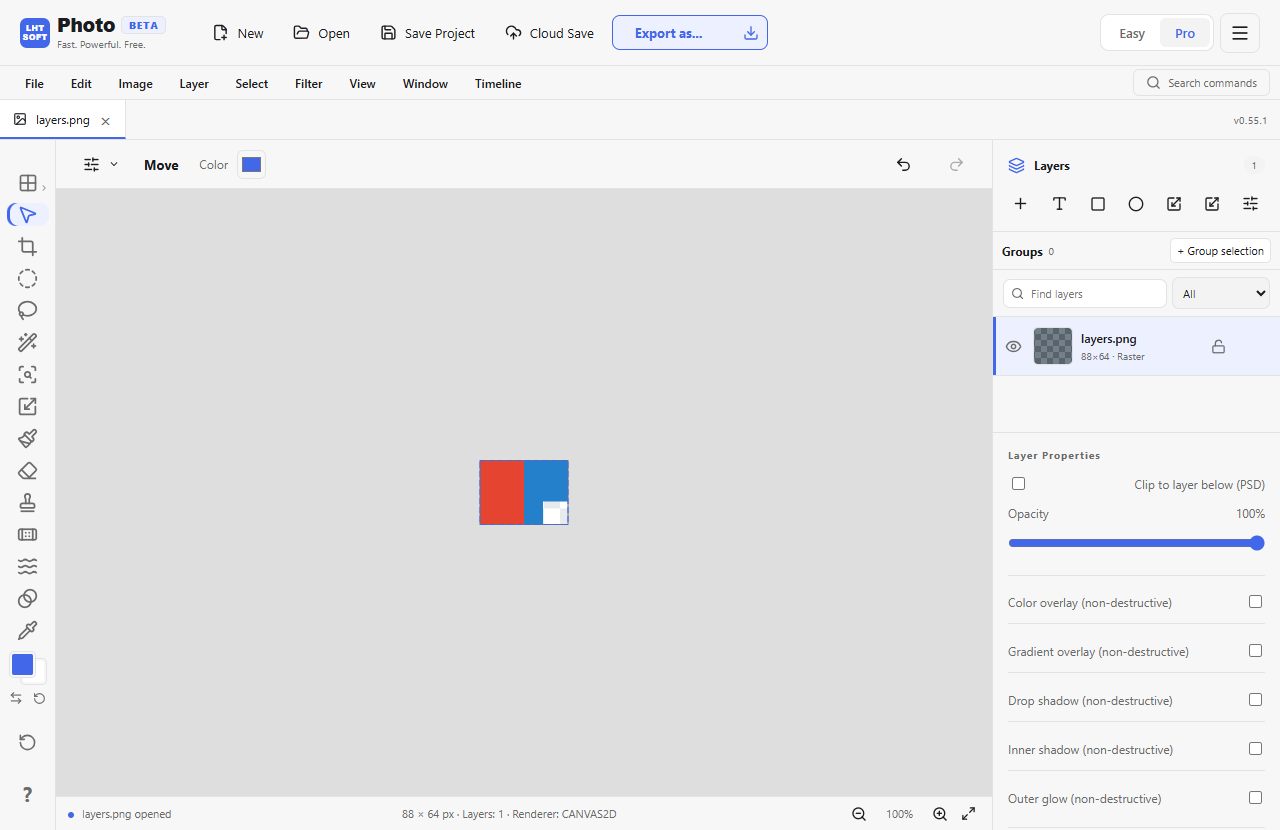
Keep captions, images and effects separate while you edit. Open a photo or PSD, then use the Layers panel in the existing Photo editor.
How it works
- Open a PNG, JPG, WebP or supported PSD document.
- Add a text or image layer; use the Layers panel to reorder, hide or adjust opacity.
- Save an editable LHT project to preserve layers, or export a flattened PNG, JPG or WebP.
When to use it
Combine a product photo, a logo and editable text without permanently merging them during editing.
Frequently asked questions
- Can I export editable layers?
- Save an LHT project to continue editing layers. PNG, JPG and WebP exports flatten visible layers. PSD export is supported with compatibility warnings.
- Does it change my original file?
- No. The editor works in your browser. A file is downloaded only when you choose Save or Export.