LHTSOFT Photo
Edit Transparent PNG Images Online for Free
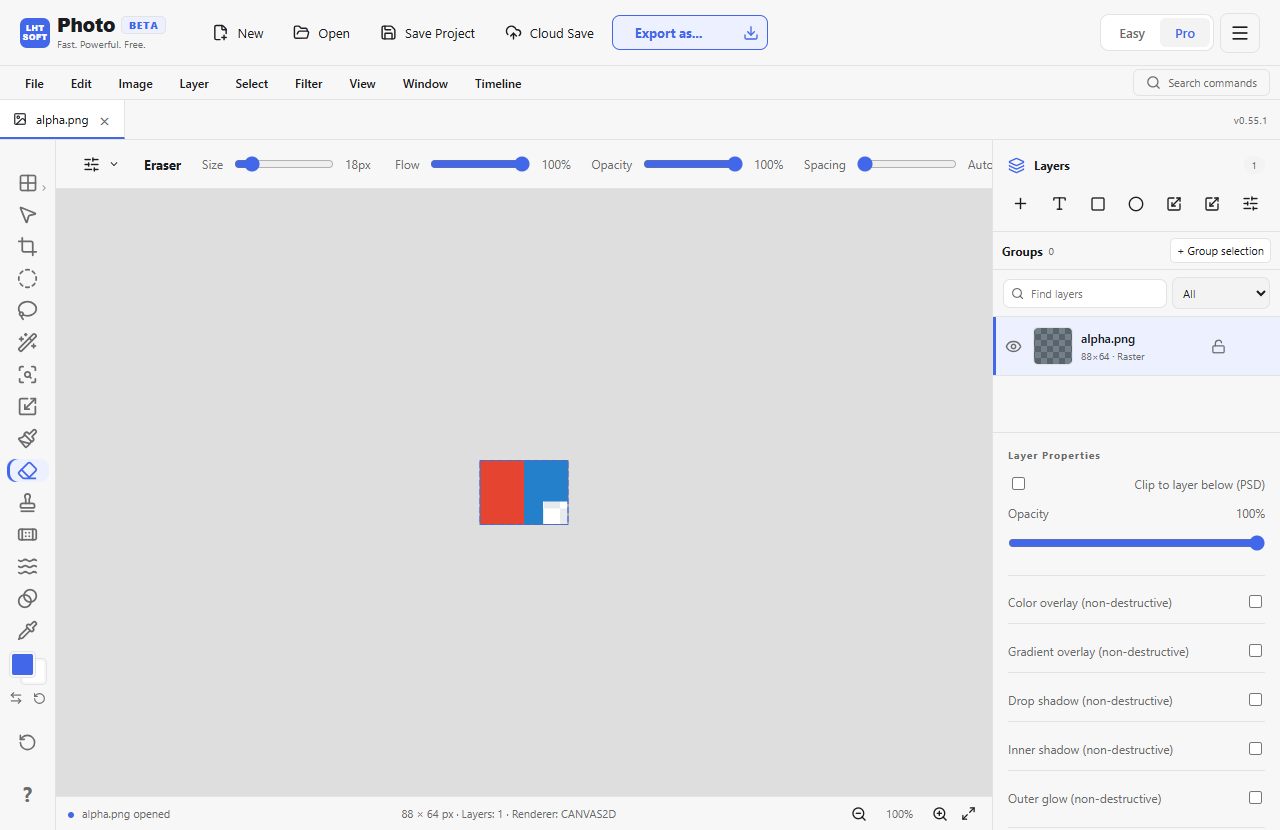
Edit transparent PNG images online for free using layers, an eraser and masks. Keep transparent areas when exporting PNG.
Work with existing transparent areas or erase pixels manually on a raster layer. This editor does not promise automatic one-click background removal.
How it works
- Open a PNG with transparency or an image you want to edit.
- Select a raster layer and use Eraser or a layer mask to hide unwanted pixels.
- Export as PNG to retain transparency. JPG does not preserve an alpha channel.
When to use it
Clean up the edges of an existing transparent logo or edit an isolated sticker without losing its clear background.
Frequently asked questions
- Can it remove any photo background automatically?
- No. You can manually erase, select or mask parts of supported layers; this is not an automatic AI background-removal tool.
- Which format keeps transparency?
- Export PNG for a reliable transparent result. JPG cannot retain transparent pixels.